Part 3
Artificial Intelligence at the Edge
In this final section, you’ll implement modern CI/CD and GitOps practices for AI model deployments at the Edge.
This section includes:
- CI Pipelines : Build multi-architecture container images using Tekton pipelines
- Deploy pipelines for x86_64 and ARM64 architectures
- Understand how to build images for Edge devices (Nvidia Jetson Orin)
- Work with container registries and multi-architecture manifests
- CD Pipelines for the Edge : Build bootc container images using Tekton pipelines
- Build bootc images for the Jetson Orin device
- Deploy the bootc image to the device
- Manage edge devices through a fleet management solution
You’ll experience the complete lifecycle of the AI model from training to production deployment, understanding how modern Edge AI applications are built, tested, and deployed across different architectures.
Your workspace
You are going to use OpenShift Dev Spaces. OpenShift Dev Spaces uses Kubernetes and containers to provide a consistent, secure, and zero-configuration development environment, accessible from a browser window.
Use the following link to generate your Openshift Dev Space environment:

Login in with your OpenShift credentials (userX/yourpassword). If this is the first time you access Dev Spaces, you have to authorize Dev Spaces to access your account. In the Authorize Access window click on Allow selected permissions.
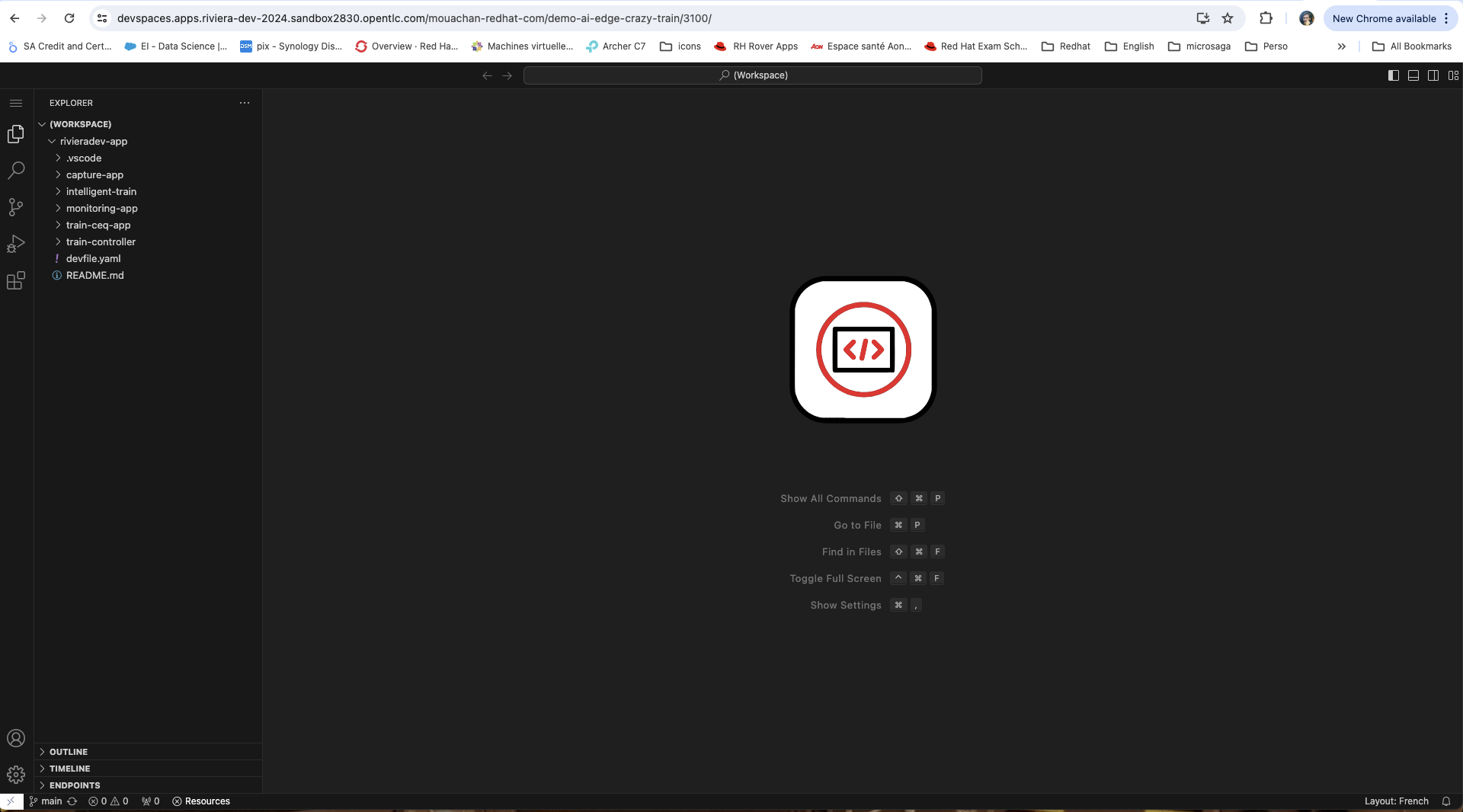
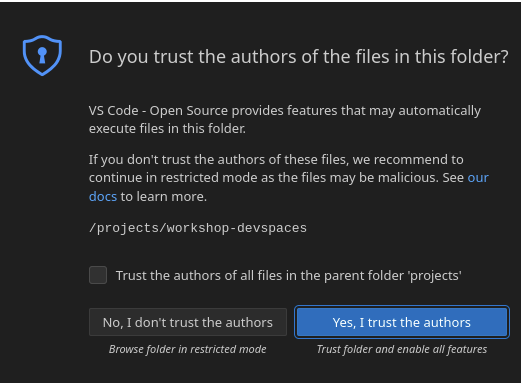
This opens the workspace, which will look pretty familiar if you are used to work with VS Code. Before opening the workspace, a pop-up might appear asking if you trust the contents of the workspace. Click Yes, I trust the authors to continue.
Wait for the workspace to become available, which takes a few minutes to sets up a complex development environment with several services (Kafka, Zookeeper, Mosquitto) and tools (OpenShift CLI, Maven, Python, Node.js), and ensures that all the necessary dependencies are installed (like OpenCV).
In the project explorer on the left of the workspace, navigate to the summitconnect2025-app folder and look at the different projects.